
The problem:
Which cells did my agent just change? Do I agree?
Our new AI collaborator works much faster, especially on larger changes. We need to understand what changed so we can focus our review, correct miscommunications and accept only the changes we want.
The Agent History solution:
See what changed. Keep control of the work.
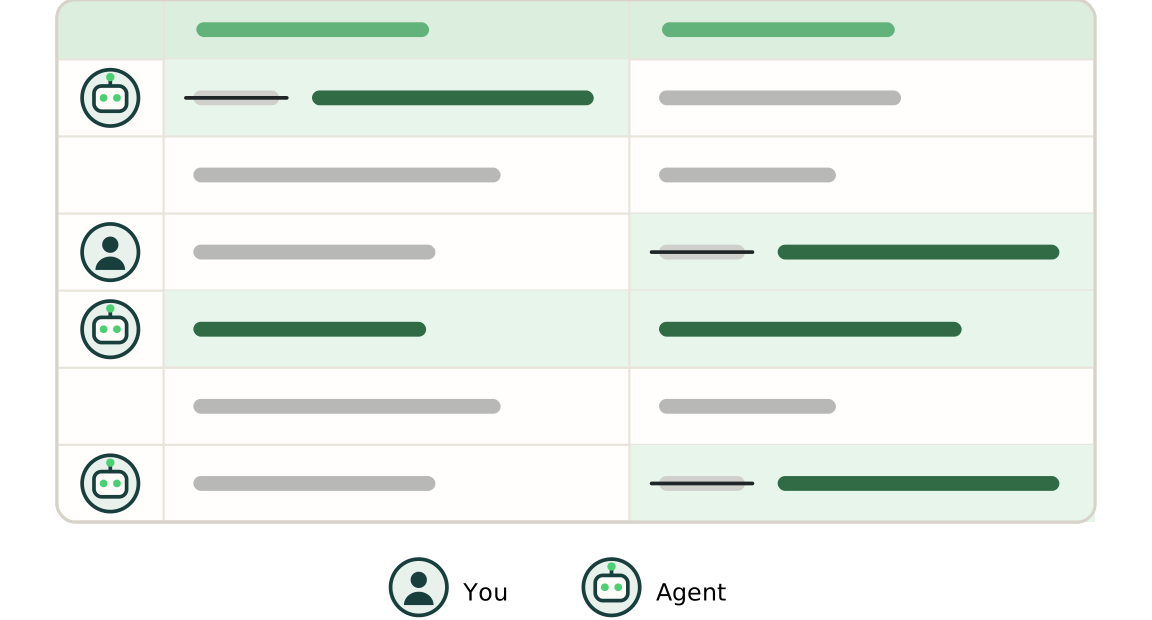
Atomiq tracks changes to your workbook and labels them as yours or your agent’s. You can highlight the changed cells, see their before and after values, and rewind a change made by the agent. Working faster shouldn’t mean giving up control.
How it works:
Prompt Atomiq’s agent to edit the workbook
Ask Atomiq for whatever edits or new analysis you need.
Review the changes
Click an edit in the work history to highlight the changed cells. Select a cell to see its before and after values.
Rewind if needed
Click rewind to take the workbook back to before the agent made the change. You can reinstate it if you change your mind.
In Action:
Coming Soon
A Agent History demo